
Imagine opening your pill bottle and seeing nothing but a blur of tiny black dots on white paper. For millions of people with low vision, this isn't a hypothetical scenario-it's a daily gamble with their health. You might guess the dosage, hope it’s the right medicine, or rely entirely on someone else to read it for you. This uncertainty leads to real danger. Studies show that visually impaired individuals frequently take the wrong medication, at the wrong time, in the wrong amount simply because they cannot read standard pharmacy labels.
The good news? Help is here, and it’s often free. Large print prescription labels are not just a convenience; they are a critical safety tool mandated by law and championed by health experts worldwide. Whether you prefer bigger text, audio instructions, or digital QR codes, understanding your options can prevent life-threatening errors. Let’s break down exactly how these labels work, what standards apply, and how you can get them today.
Why Standard Labels Fail People with Low Vision
Most pharmacies default to using small fonts, often around 8 to 10 points, to squeeze all the legal requirements onto a tiny sticker. For someone with normal vision, this is manageable. But for those with conditions like macular degeneration, glaucoma, or diabetic retinopathy, these characters become indistinguishable smudges. The problem isn’t just about reading speed; it’s about cognitive load. When you struggle to decode each character, you’re more likely to make mistakes.
Research from the National Center for Biotechnology Information highlights that accessible labels can reduce reading time by up to 8 seconds per instruction for those with low vision. While 8 seconds sounds trivial, in a routine where you might be managing five different medications, those seconds add up to reduced anxiety and fewer errors. More importantly, the American Foundation for the Blind notes that without clear access to label information, patients risk taking expired meds or missing refills entirely. It’s a silent crisis that affects independence and safety.
Legal Standards and Font Specifications
You might wonder if pharmacies are legally required to offer better options. In the United States, the answer is yes. The FDA Safety and Innovation Act, enacted in 2012, established specific mandates for prescription drug container labels. This law ensures that pharmacies must provide alternative formats upon request. But what does "accessible" actually look like?
The technical specifications are precise. Experts recommend a minimum font size of 18-point. Why 18? Because studies indicate that most people with moderate visual impairment cannot reliably read fonts smaller than 14-point. To ensure clarity, the font should be sans serif-think Arial, Verdana, or APHont™ (a typeface designed specifically for low-vision readers). High contrast is non-negotiable: saturated black text on a pure white background works best. Glare from glossy paper can also hinder readability, so matte finishes are preferred.
| Feature | Standard Label | Large Print Label | Audible Label (ScripTalk) |
|---|---|---|---|
| Font Size | 8-10 pt | 18-24 pt | N/A (Audio) |
| Technology Needed | None | None | RFID Reader or Smartphone |
| Best For | Normal Vision | Moderate Low Vision | Severe Low Vision/Blindness |
| Cost to Patient | Free | Usually Free | Free (device may vary) |
Your Options: Large Print, Audio, and Digital
Not every solution fits every person. If you have some residual vision, large print labels are the most straightforward fix. However, standard vials don’t always have enough space for 18-point text alongside all the necessary warnings. Pharmacies often solve this by using duplicate labels-one on the front, one on the back-or by attaching a separate large-print sheet secured with a colored sticker. Always ask your pharmacist how they handle space constraints.
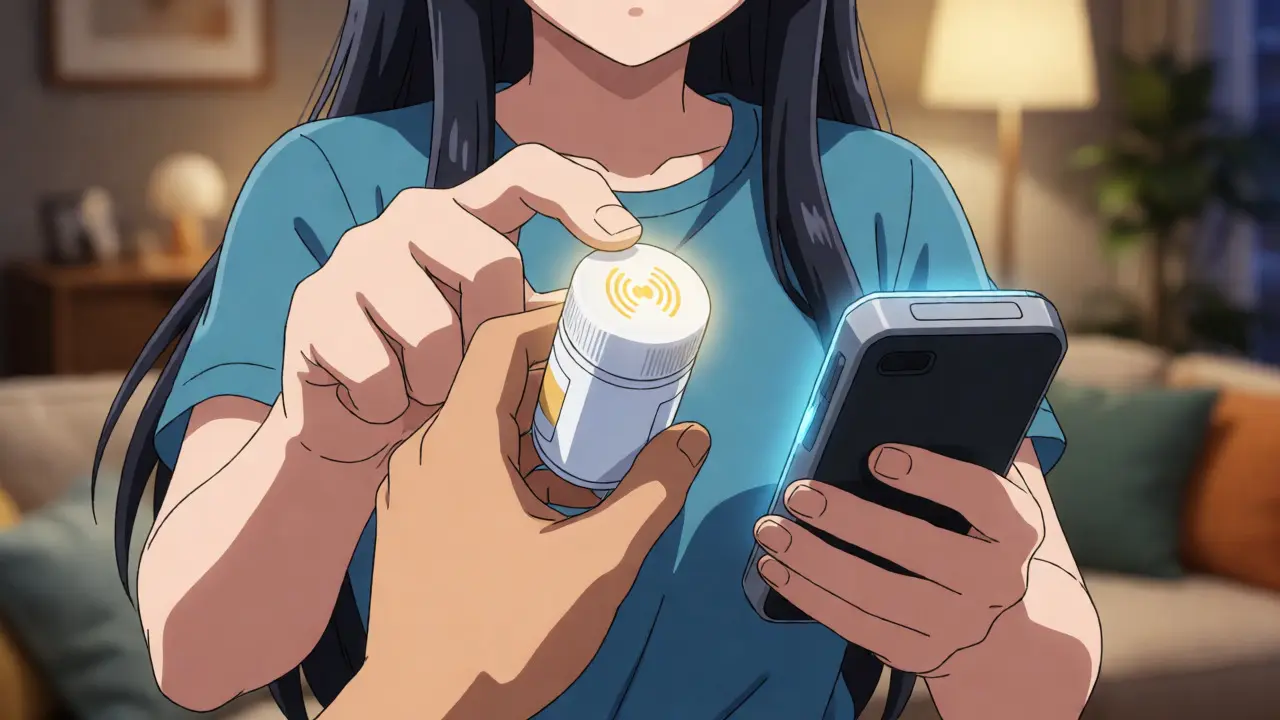
For those with severe low vision or blindness, visual text might never be enough. Enter audible solutions. Systems like ScripTalk use RFID technology embedded in the cap. When you tap the cap against a compatible reader or smartphone, it reads out the medication name, dosage, and instructions. Major chains like CVS and Walgreens widely support this. Another emerging option is QR code-enabled labels, such as UK HealthCare’s ScriptView. These link directly to an audio file via a mobile app, offering flexibility without needing specialized hardware beyond your phone.
Braille remains an option, but it’s important to know the limitations. Only about 10% of visually impaired adults in the US read Braille fluently. While tactile labels are valuable for those who do, they require specialized printing equipment that not all independent pharmacies possess. Don’t assume your local corner shop has Braille capabilities until you ask.
How to Request Accessible Labels
Here is the frustrating reality: many pharmacies won’t offer these features unless you ask. A survey by the American Council of the Blind found that 67% of users had experienced a medication error due to inaccessible labeling, yet many didn’t know their rights. Implementation varies wildly. While big chains like CVS have invested heavily in accessibility (with a $15 million expansion of ScripTalk recently), independent pharmacies lag behind.
To get started, follow these steps:
- Ask Specifically: Don’t just say "I need help reading this." Say, "Can you please print my label in 18-point Arial font?" or "Do you offer ScripTalk caps?"
- Check Compatibility: If you want audio labels, confirm if you need to buy a reader device or if your smartphone app works with their system.
- Verify the Content: Once you receive the label, check it immediately. Ensure the dosage numbers are distinct from letters (e.g., using uppercase for numbers) and that there is no glare obscuring the text.
- Document Your Preference: Ask the pharmacy to note your preference in your profile so future prescriptions automatically use the accessible format.
The Impact on Independence and Safety
Why go through the hassle? Because independence matters. Dr. David B. Gray of the Spectrios Institute calls accessible labels a "lifeline to independence." When you can read your own instructions, you regain control over your healthcare routine. You don’t have to wait for family members to come home to tell you whether to take the blue pill or the white one. You can manage refills, check expiration dates, and avoid dangerous interactions on your own terms.
User feedback supports this. On platforms like Reddit’s r/Blind, users report stopping accidental overdoses after switching to large print labels. One user noted, "Since my pharmacy started offering large print labels... I've stopped taking the wrong pills twice a week." This isn't just anecdotal; clinical data shows a 38% reduction in medication-related emergency visits among visually impaired patients using accessible labels. That’s a massive win for both quality of life and healthcare costs.
Frequently Asked Questions
Are large print prescription labels free?
In most cases, yes. Under the FDA Safety and Innovation Act and ADA guidelines, major pharmacy chains like CVS, Walgreens, and Walmart typically provide large print or accessible labels at no extra cost to the patient. Independent pharmacies may vary, but it is illegal to charge extra for reasonable accommodations under disability laws in many jurisdictions.
What font size is considered "large print" for prescriptions?
The recommended minimum is 18-point font. Many experts suggest 20-point or larger for optimal readability. Fonts should be sans-serif (like Arial or Verdana) and high-contrast (black on white). Avoid decorative or serif fonts which can be harder to distinguish at small sizes.
How do ScripTalk or audible labels work?
These systems use RFID tags embedded in the bottle cap. When you tap the cap against a compatible reader or a smartphone with NFC capability, the device plays an audio recording containing the drug name, dosage, directions, and refill information. You do not need to open the bottle to hear the details.
Can I get Braille labels at any pharmacy?
Not necessarily. While large print is common, Braille requires specialized embossing equipment. Many large chains offer it, but smaller independent pharmacies might not. Always call ahead to confirm if they can produce Braille labels within your pickup timeframe.
What if my pharmacy refuses to provide an accessible label?
You can politely remind them of the FDA Safety and Innovation Act and the Americans with Disabilities Act (ADA). If they still refuse, you can file a complaint with the Department of Justice or switch to a chain pharmacy known for robust accessibility services like CVS or Walgreens, which have widespread compliance programs.